Mathematics
Worked problems, formulas and geometry, page by page.
StudyNest
StudyNest is a smart notebook app. Scan the pages you write, then study them with Nesto: summaries, quizzes, flashcards and answers, all from your own notes.
For iPhone and Android. Early access is open now.

Students spend years writing important lessons, formulas, diagrams, and ideas in notebooks. But finding old notes, organizing chapters, and preparing for exams can take time. StudyNest helps turn those handwritten pages into an accessible digital learning resource.

Digitally preserve handwritten pages.
Organize and search your notes.

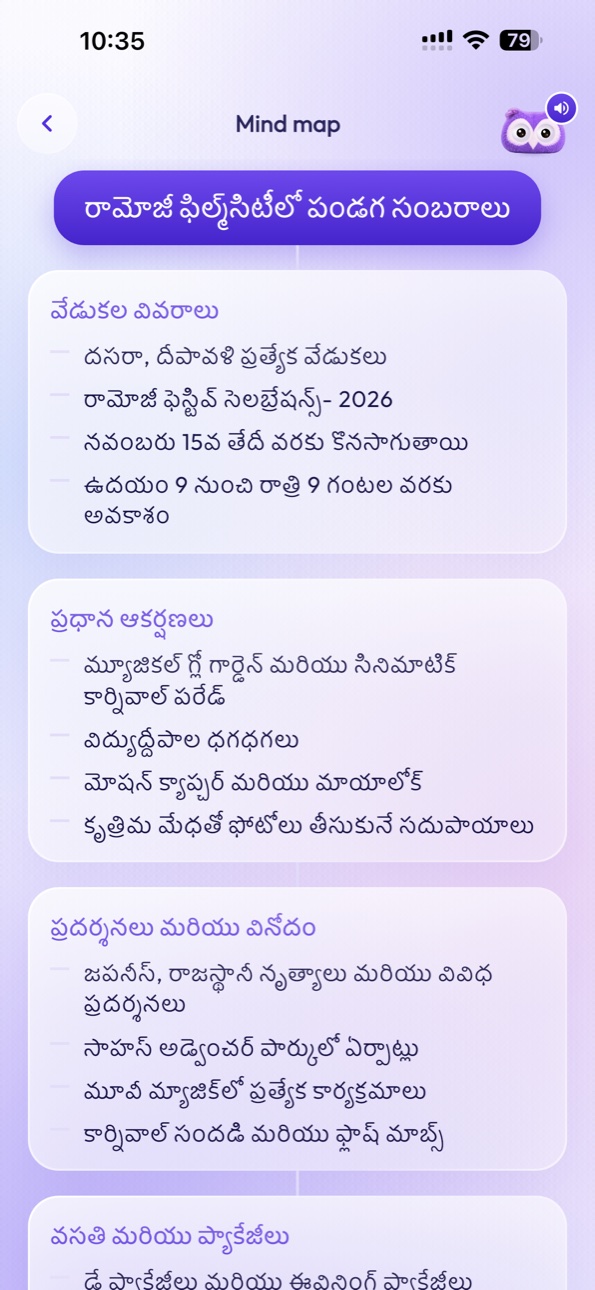
Create summaries, quizzes, and revision materials with AI.
Four steps from the page you wrote to the help you need.

Mathematics
2x + 3 = 11
2x = 8
x = 4
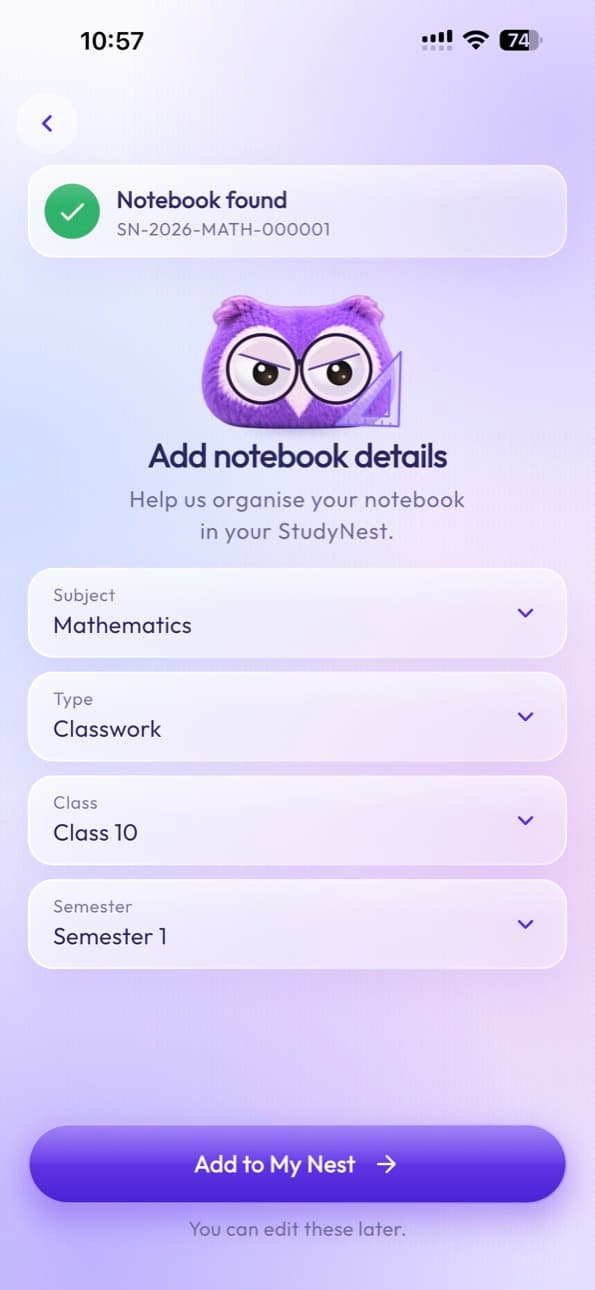
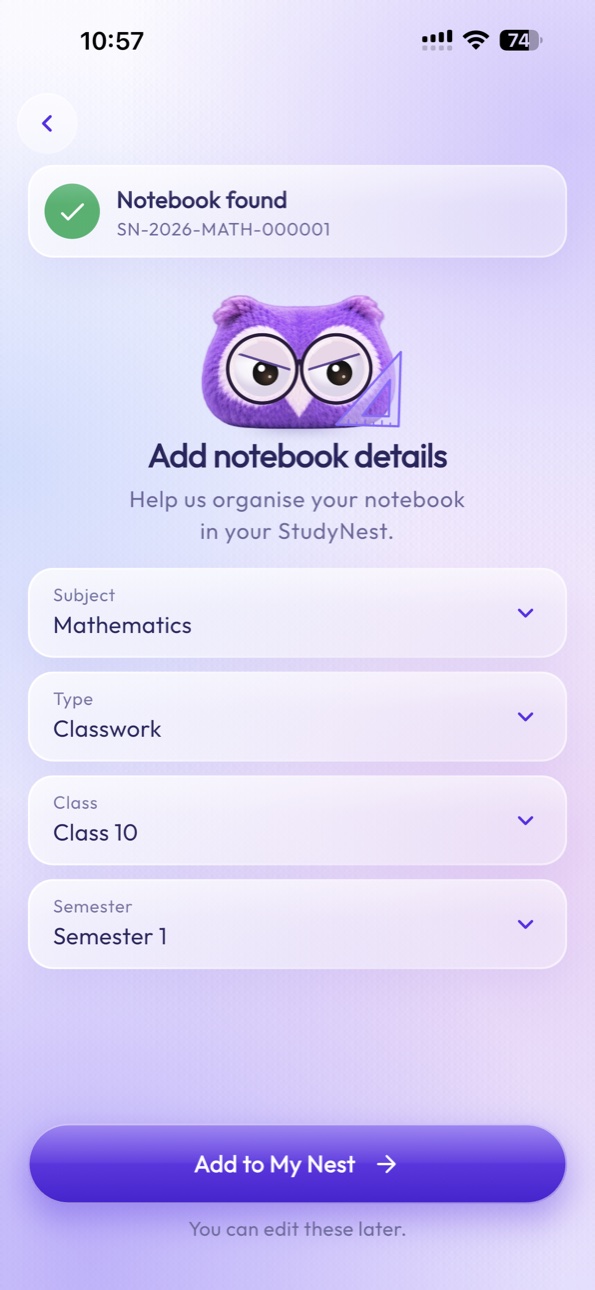
StudyNest begins with something familiar: pen and paper. Each StudyNest smart notebook connects to your digital learning space through a unique QR code. Write naturally, scan when you’re ready, and keep your notes organized.
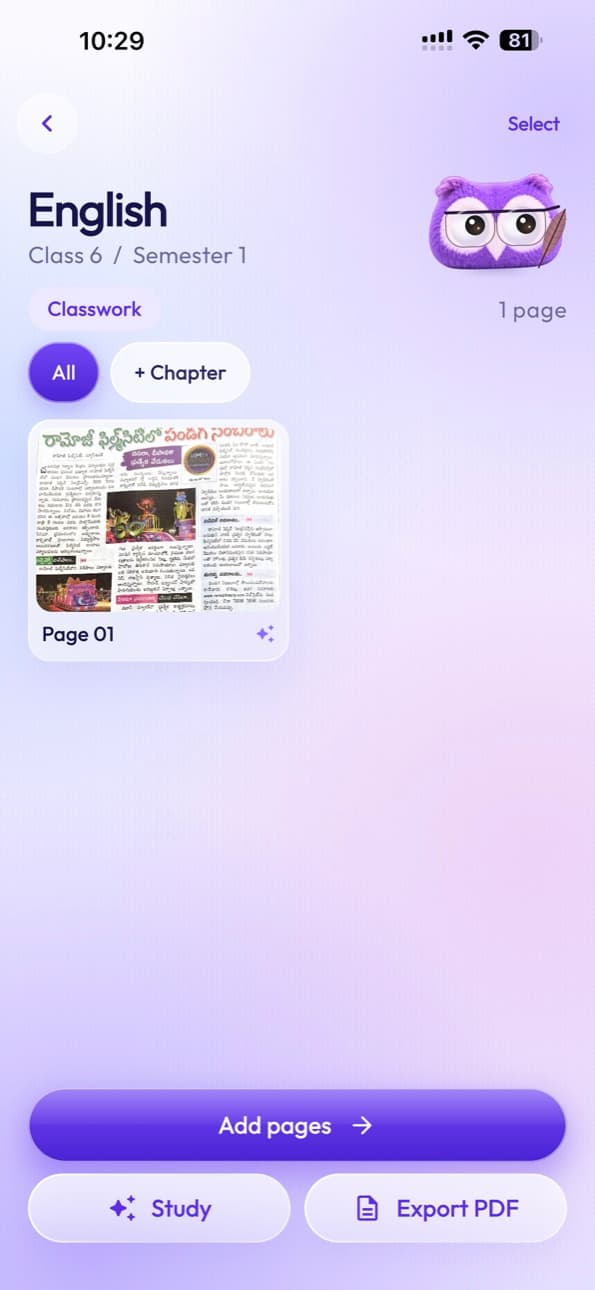

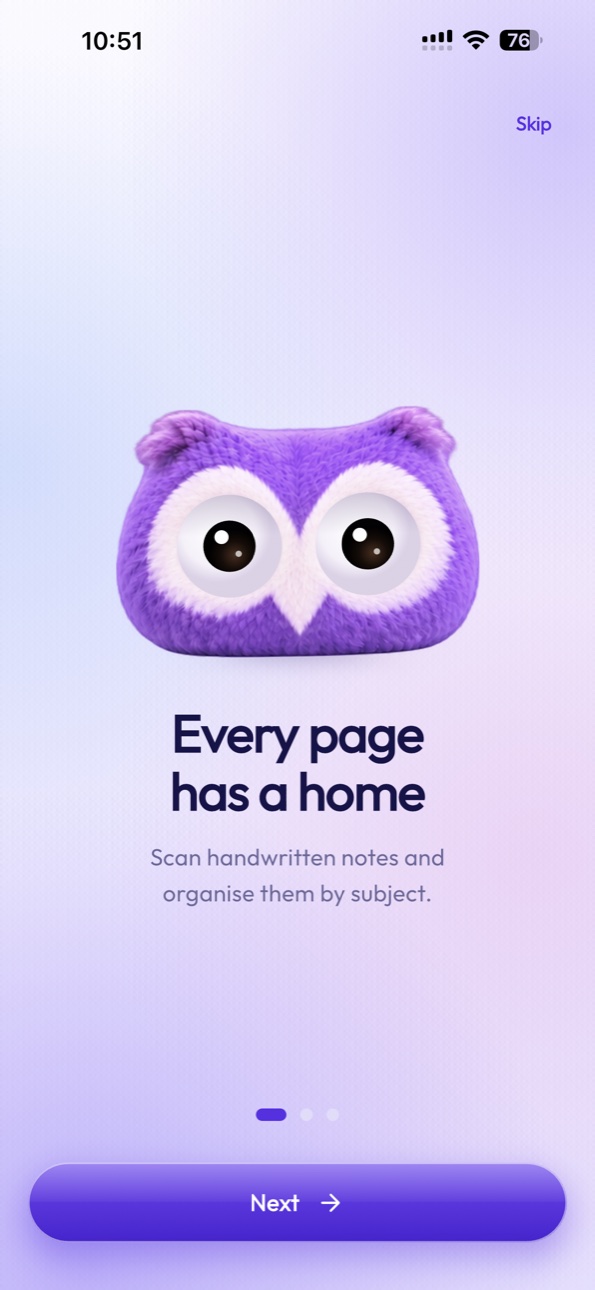
Capture handwritten pages with StudyNest’s document scanner and save them inside the correct digital notebook.
Keep your learning organized with a digital library designed around the notebooks you already use.
Mathematics, Science, English, History, and more.
Access your registered notebooks.
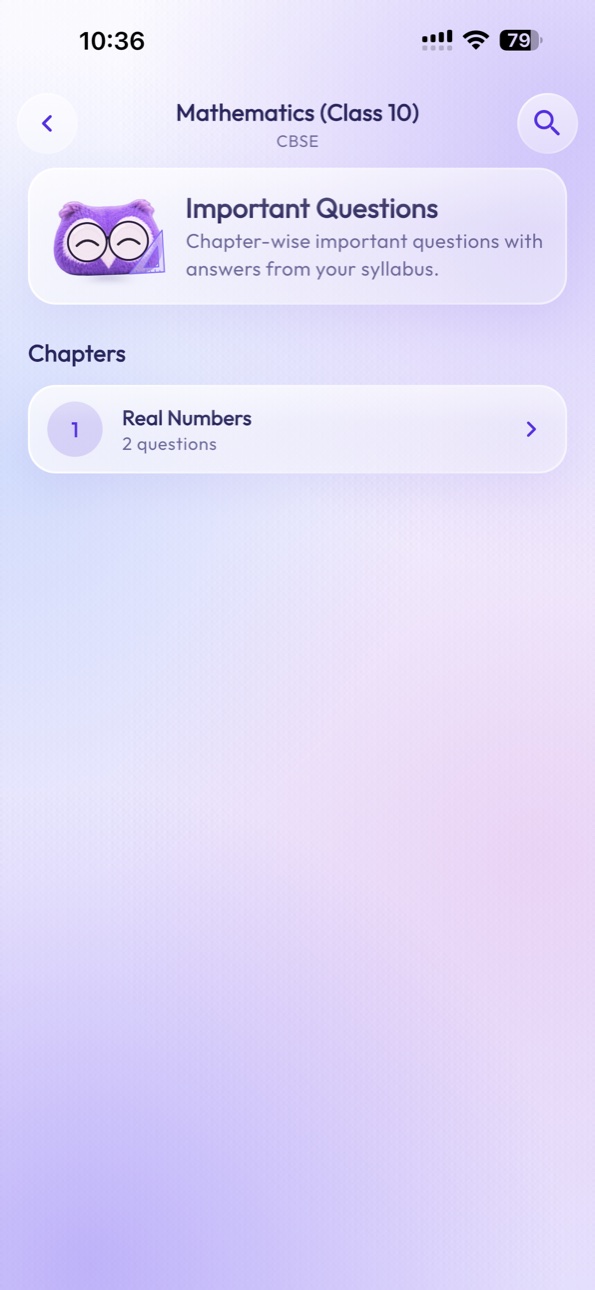
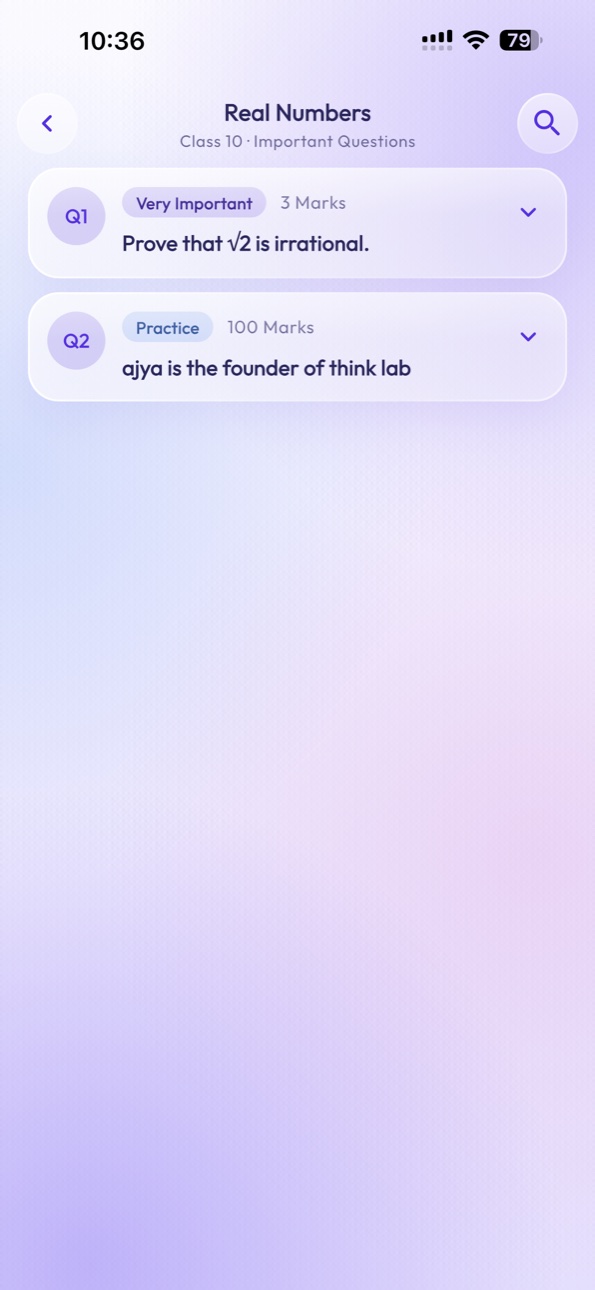
Find material by chapter.
Browse scanned pages.
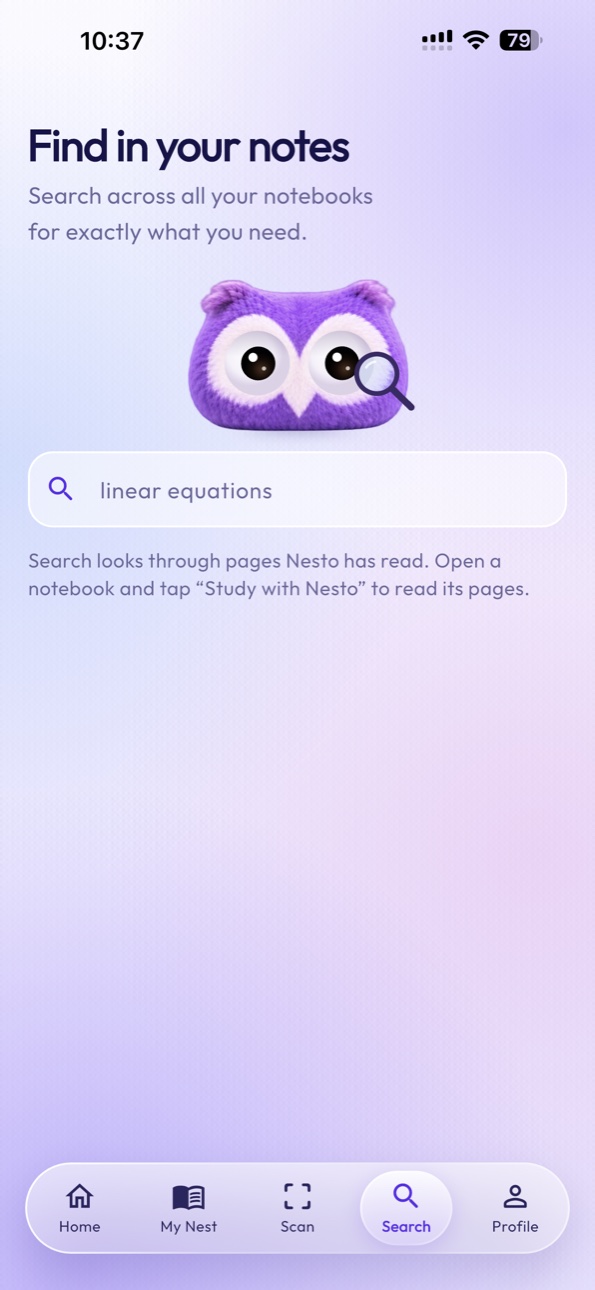
Find relevant notes.

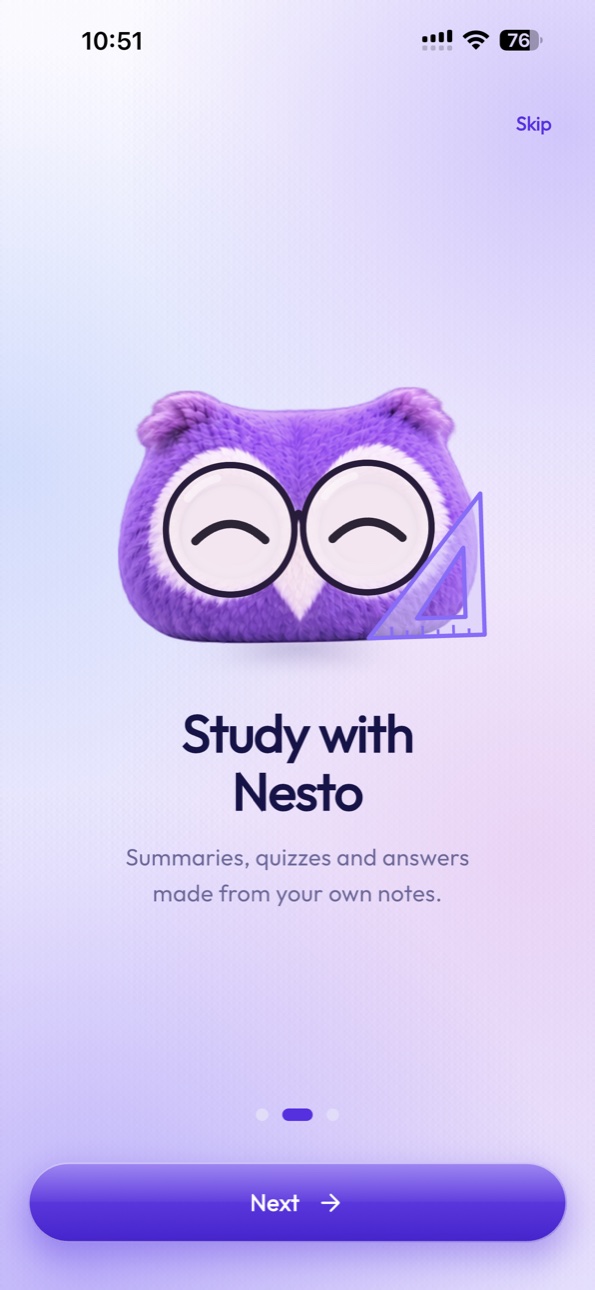
Nesto is your friendly AI learning companion, helping you understand difficult topics, revise chapters, and learn from your own handwritten notes.
Ask Nesto
DemonstrationExplain this formula from my notebook.
Let’s work through it step by step.
Your page has 2x + 3 = 11. Subtract 3 from both sides: 2x = 8.
Then divide both sides by 2, so x = 4.
From your notes: Mathematics · Page 12
A scripted example of how Nesto replies in the app. It is not a live AI chat.
Ten expressions, from focused revision to a sleepy Sunday.
HappyPlayful ConfidentCuriousFocused
 ThinkingSurprised
 WorriedCalm
 Sleepy
Nesto answers from the pages you choose and points to the page each answer came from.
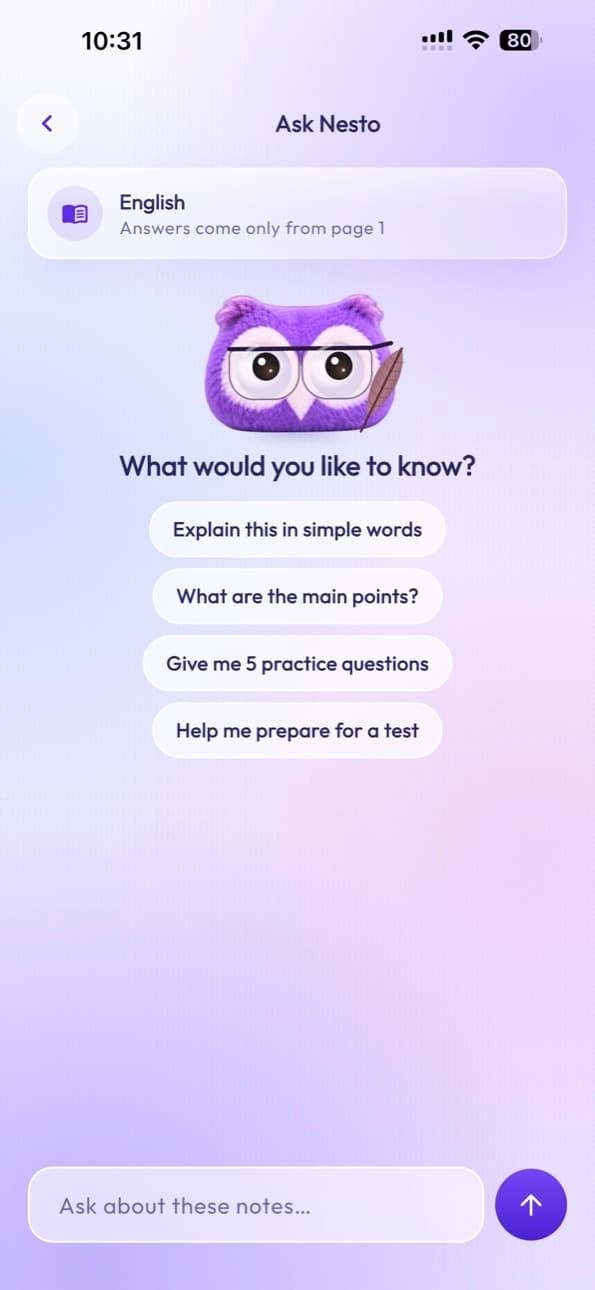
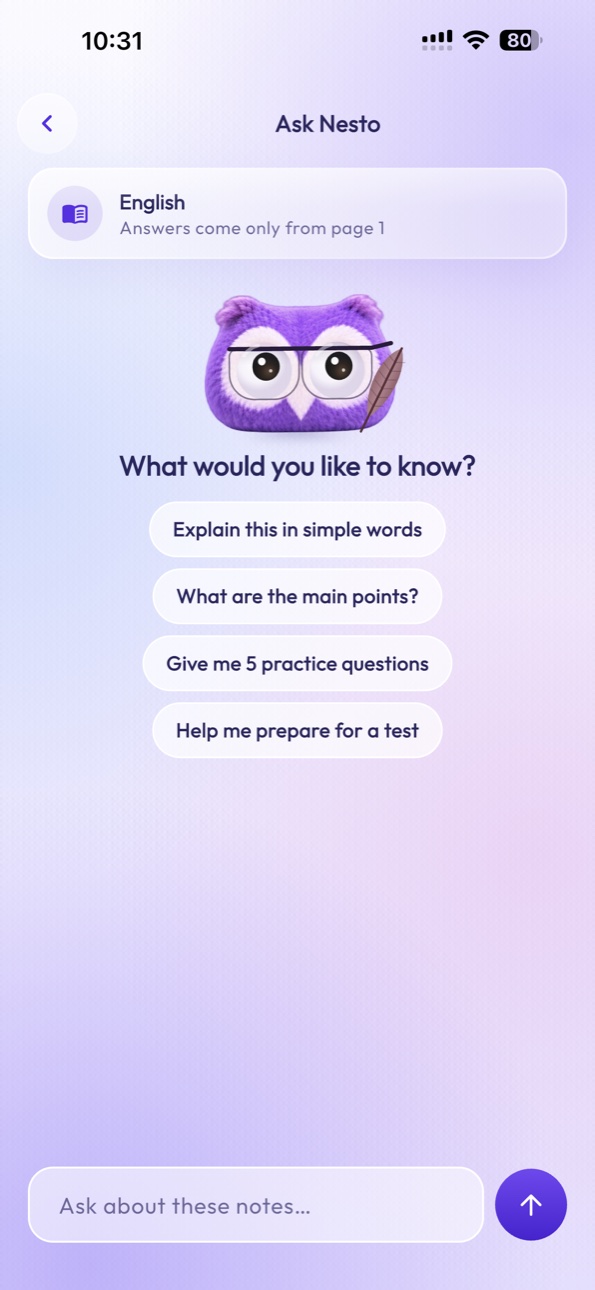
Ask questions about handwritten notes.
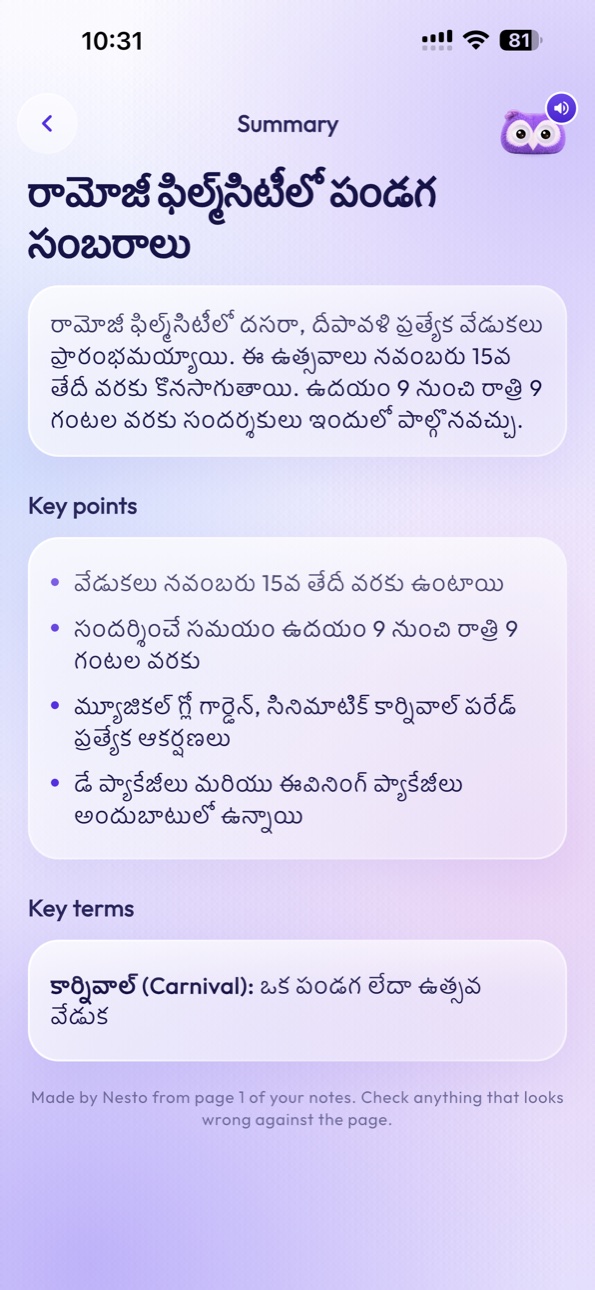
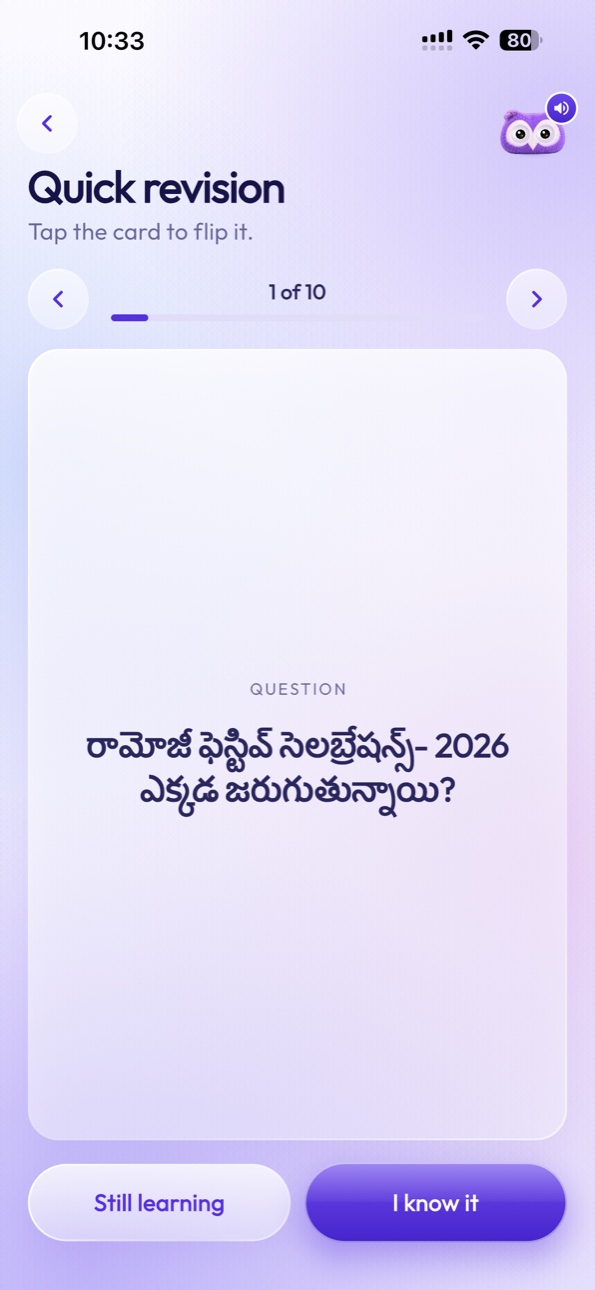
Turn chapters into concise revision notes.
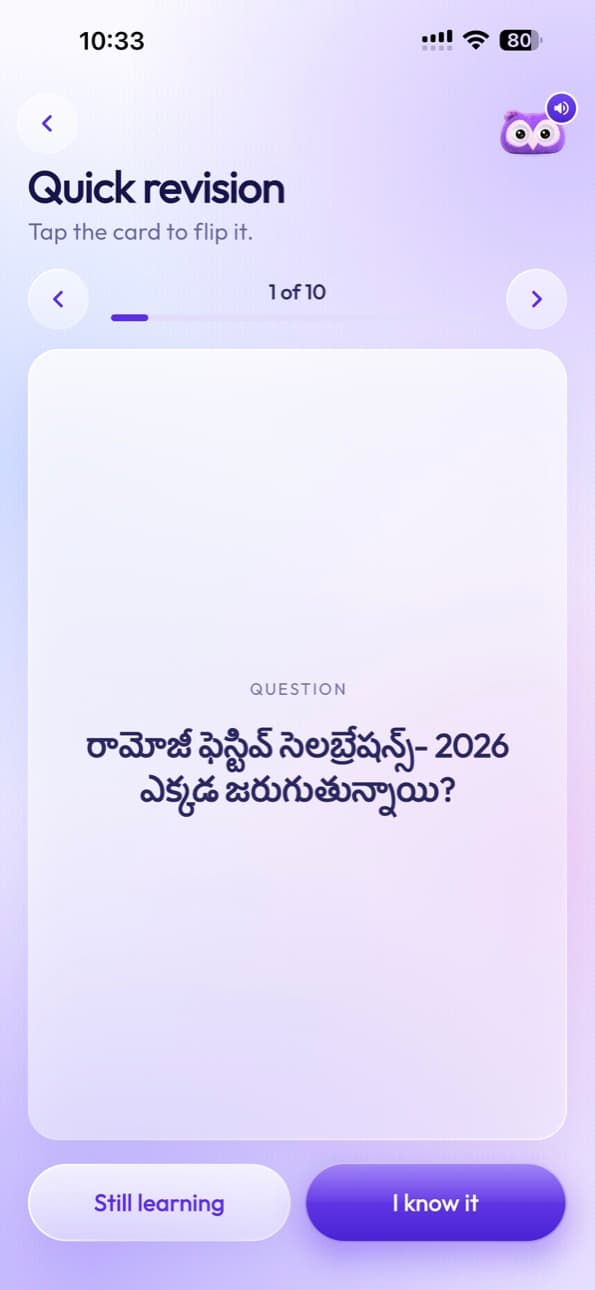
Generate question-and-answer cards.
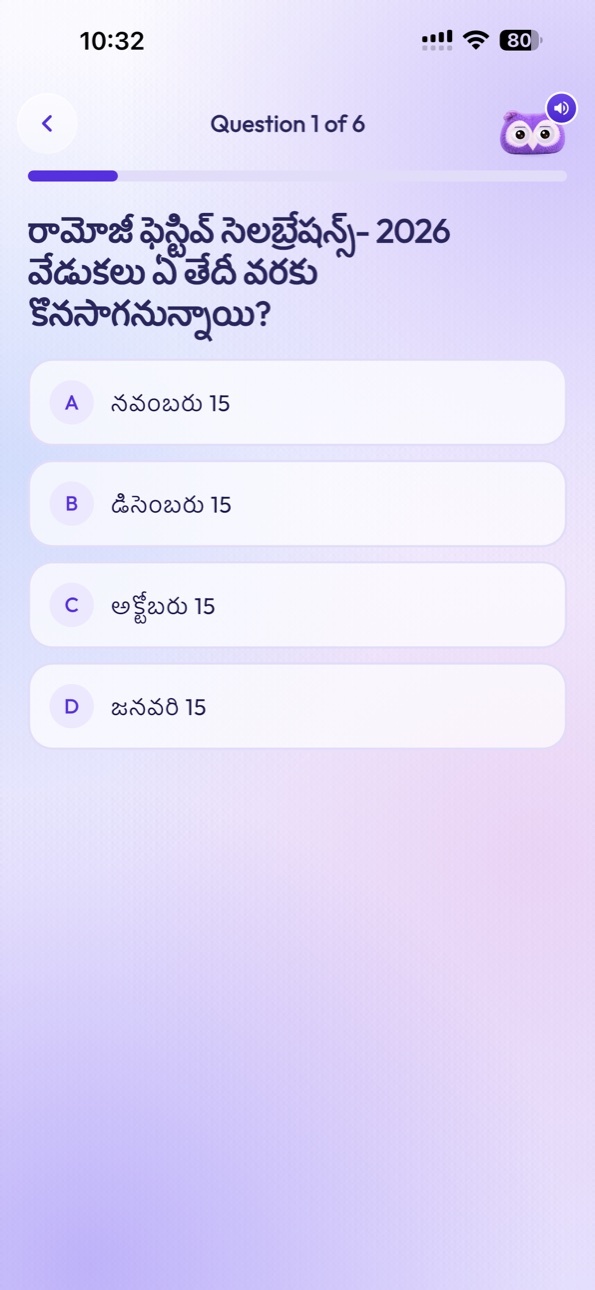
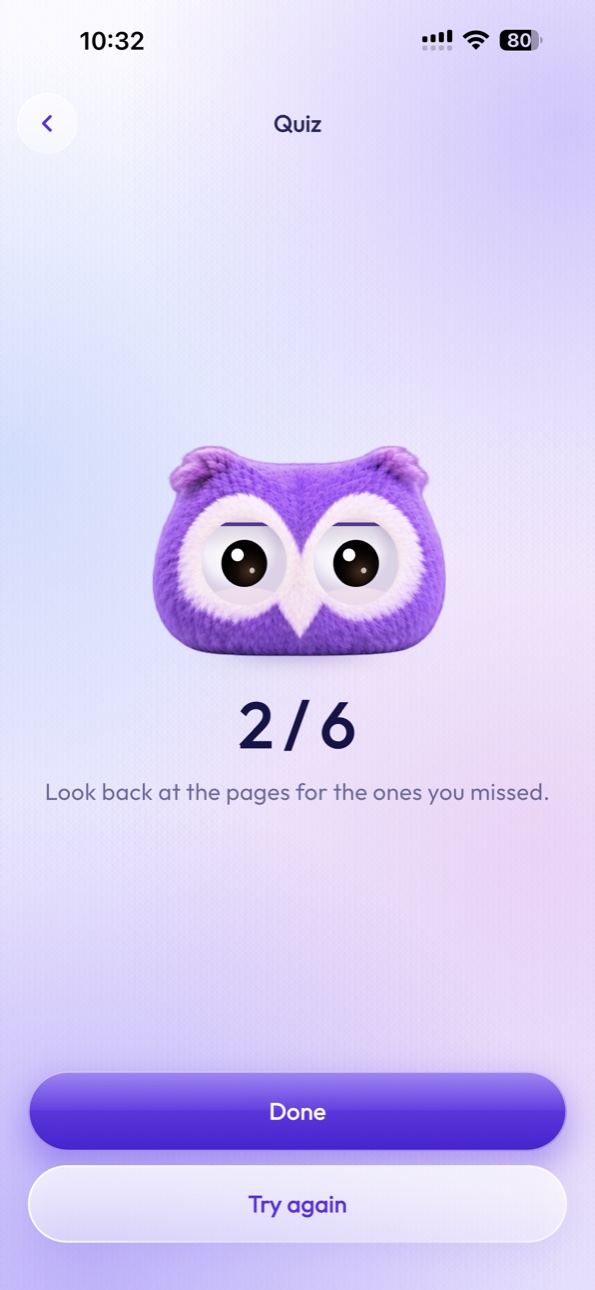
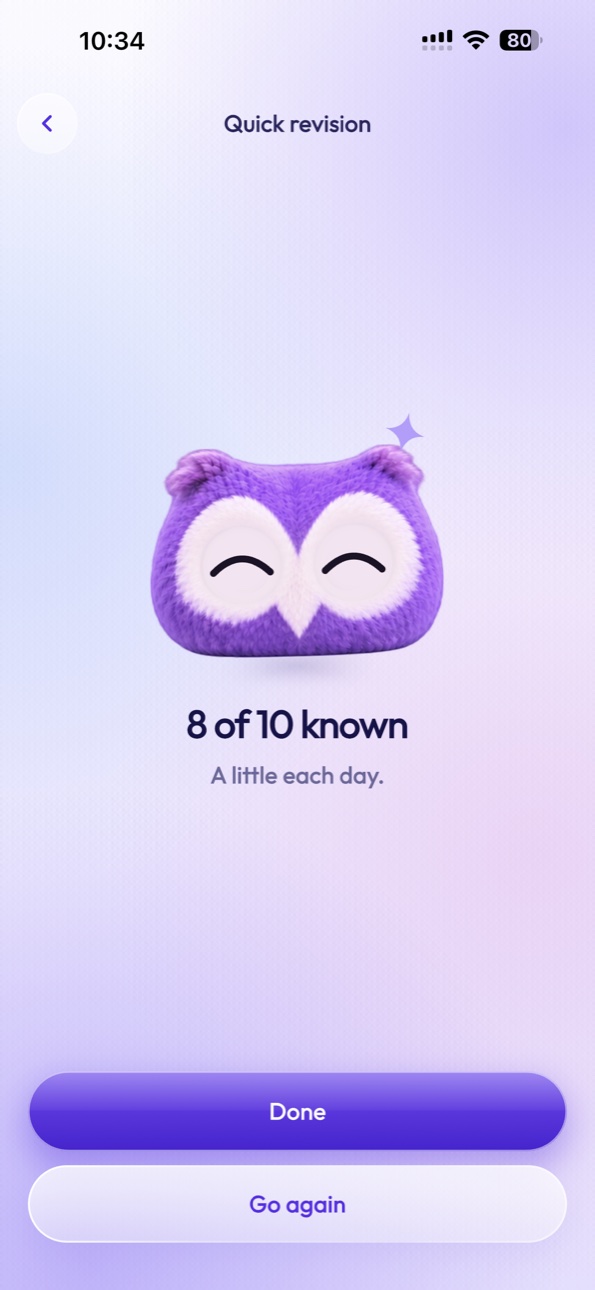
Practice using AI-generated questions.
Find information inside digitized notebooks.
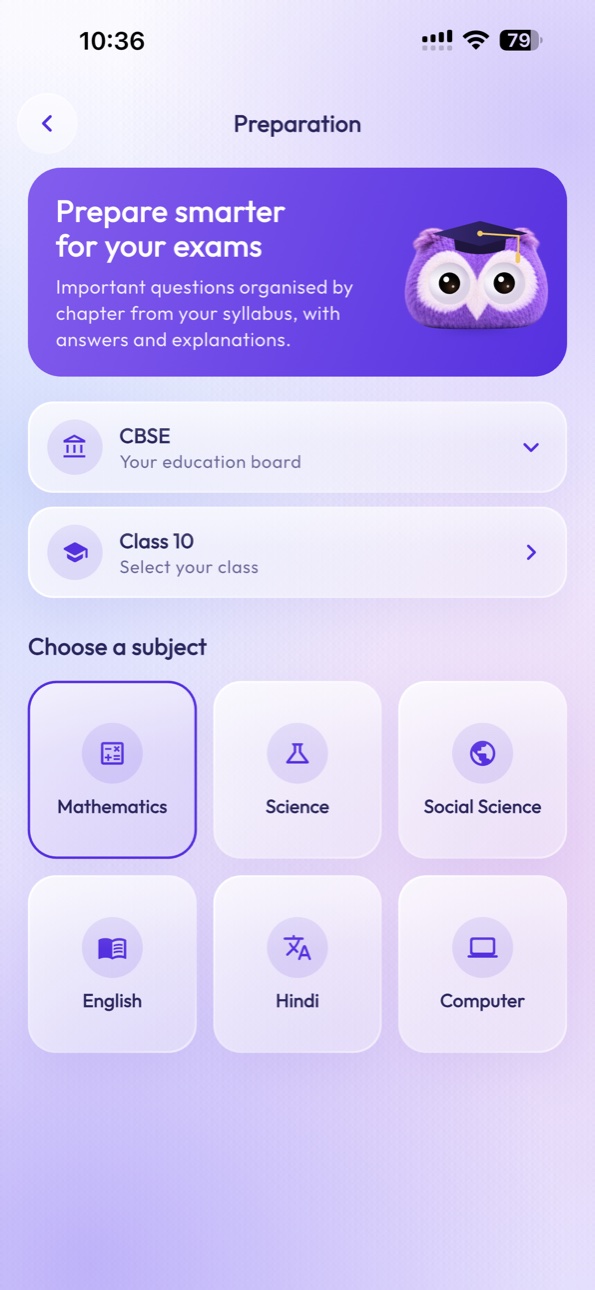
Organize exam preparation.
Study one chapter at a time.
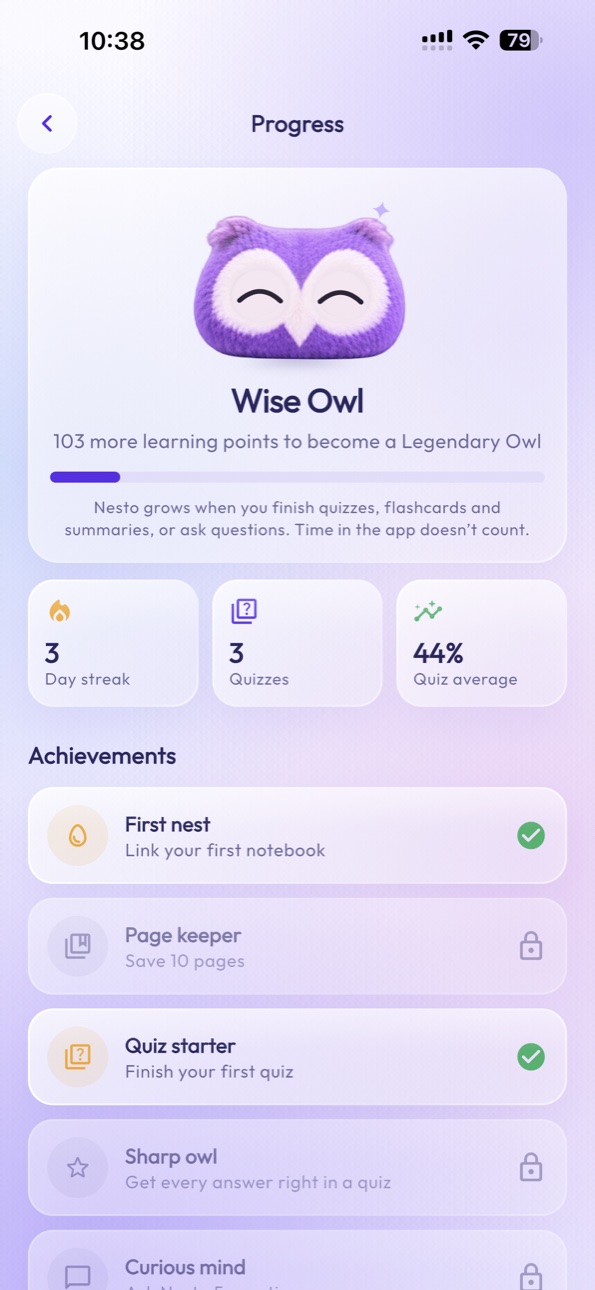
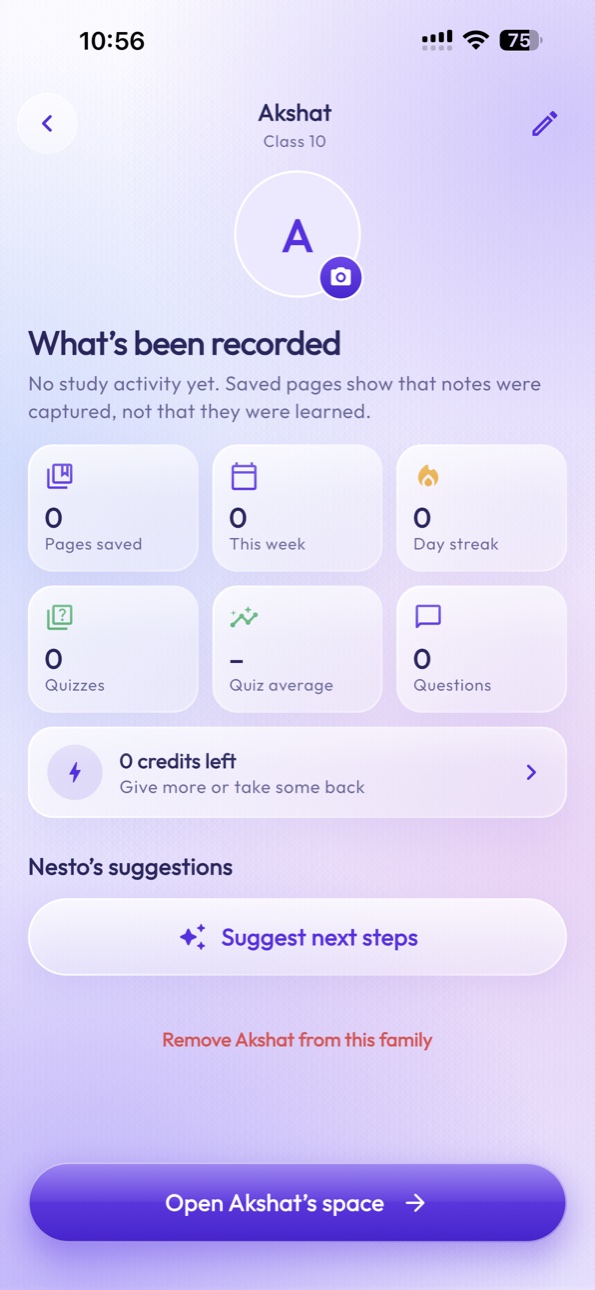
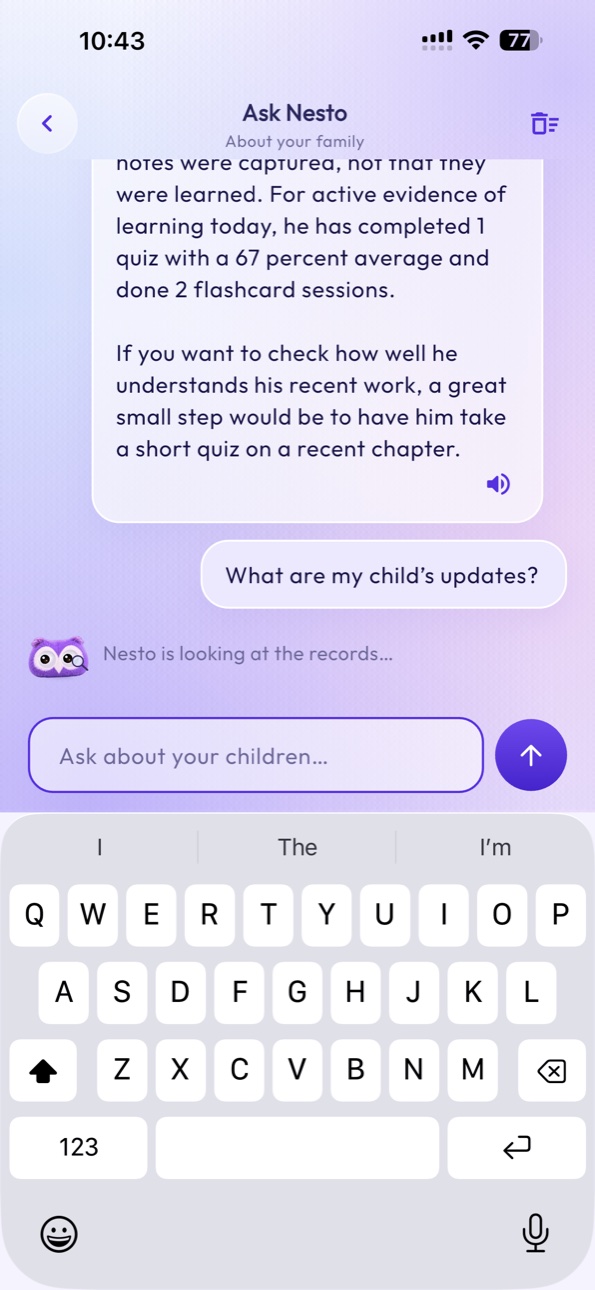
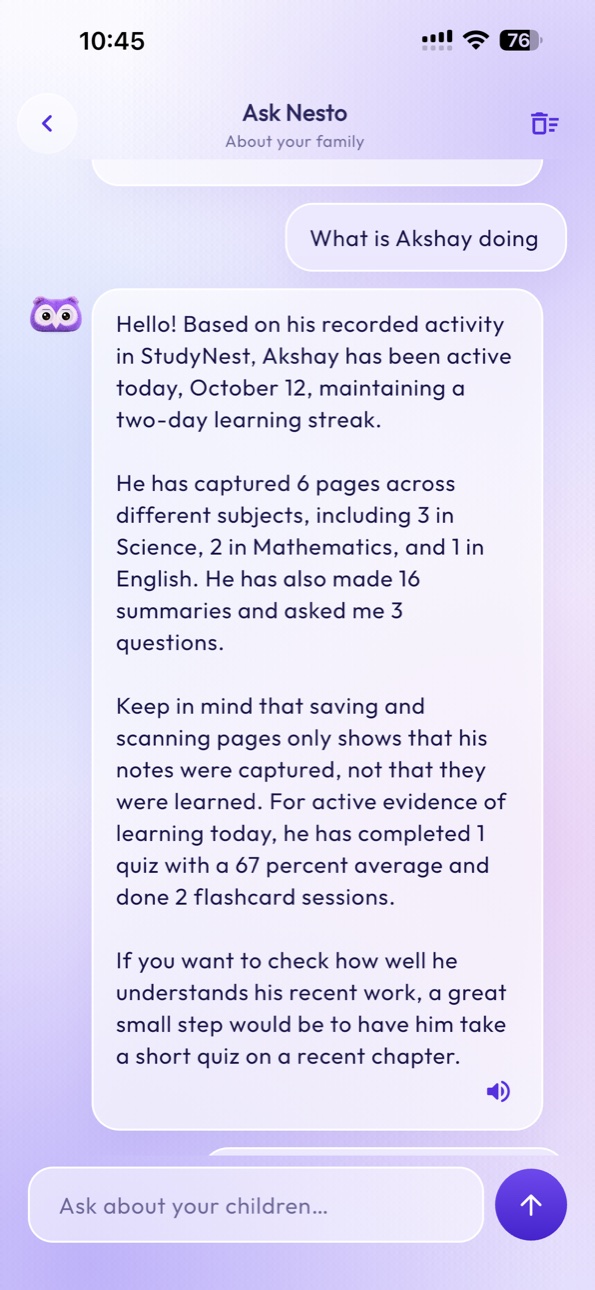
Understand recorded study activity and quiz performance.
Explore your subjects with StudyNest’s friendly owl characters.
Worked problems, formulas and geometry, page by page.
Diagrams, processes and definitions in one notebook.

Poems, grammar notes and essays kept together.
Dates, periods and people, organized by chapter.
MathematicsScienceEnglishSocial Studies Hindi
Hindi Computer Science
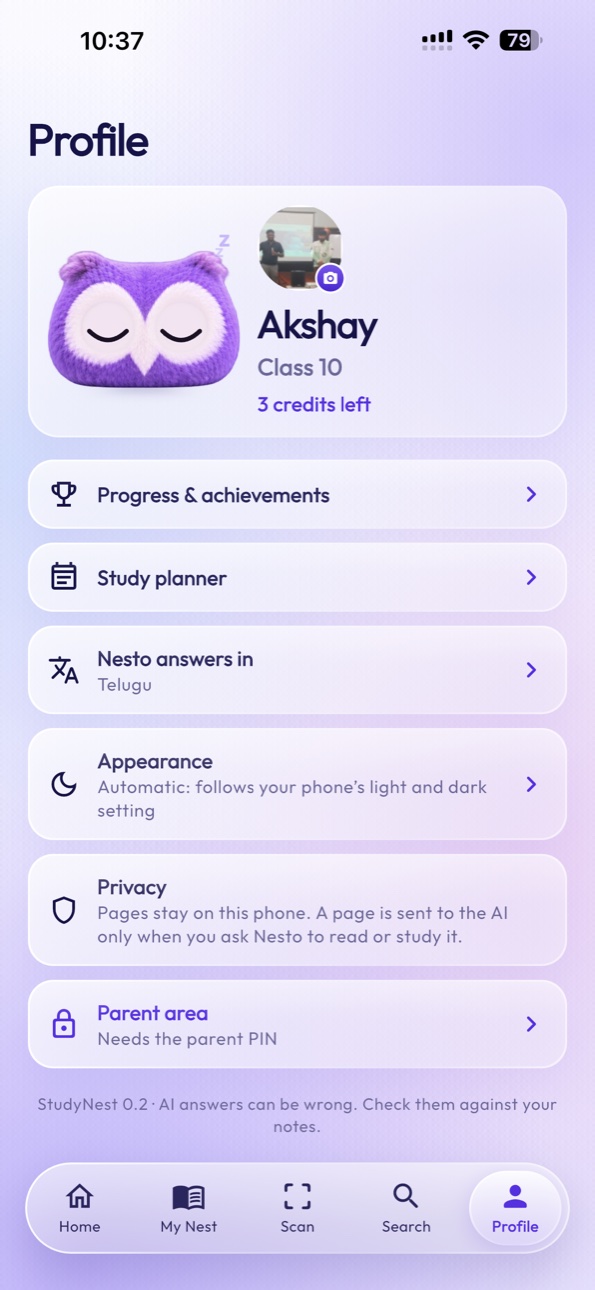
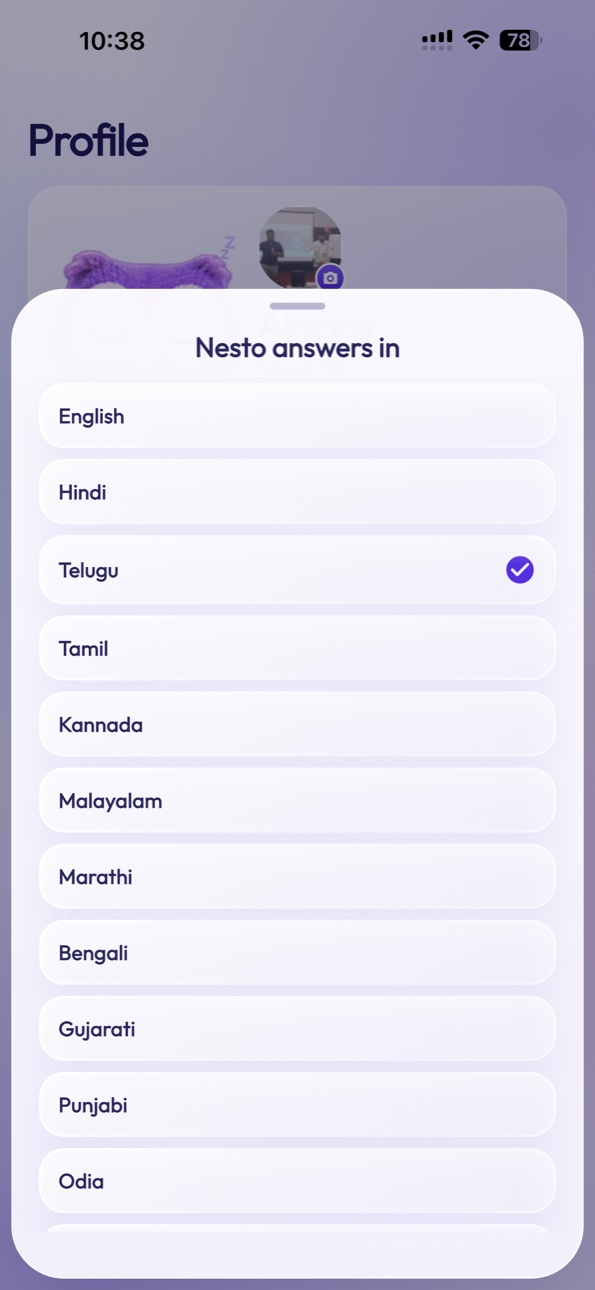
Notebooks can also be set up for Social Studies, Telugu, Hindi and other subjects. Nesto can answer in English, Hindi, Telugu, Tamil, Kannada, Malayalam, Marathi, Bengali, Gujarati, Punjabi, Odia or Urdu.
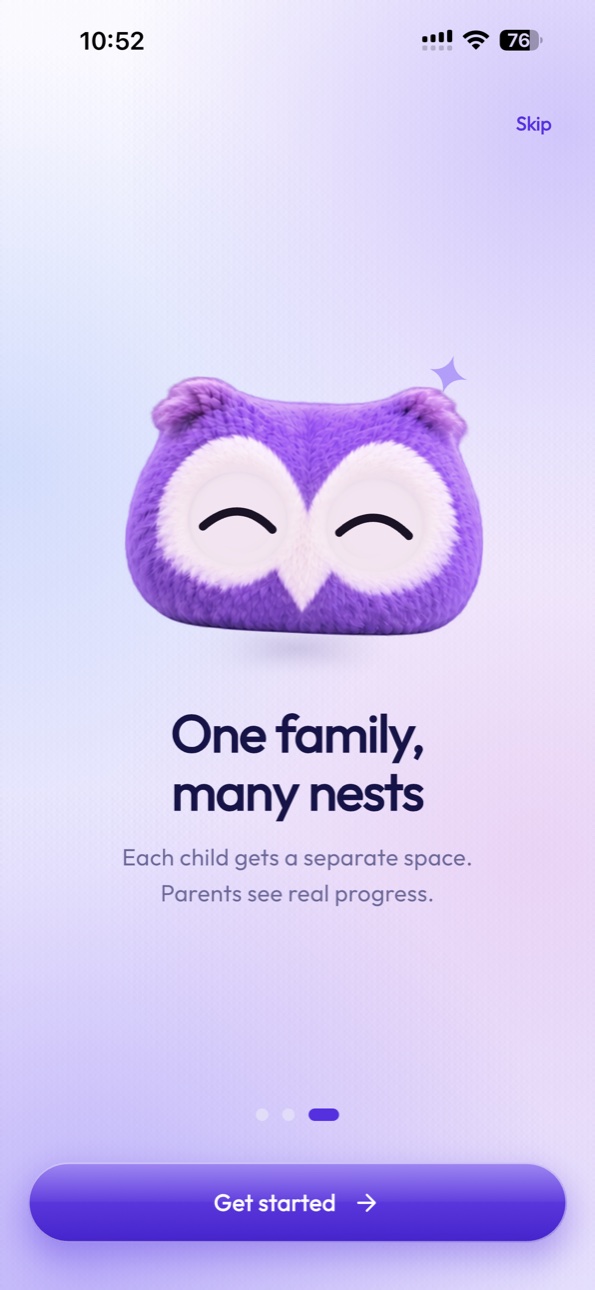
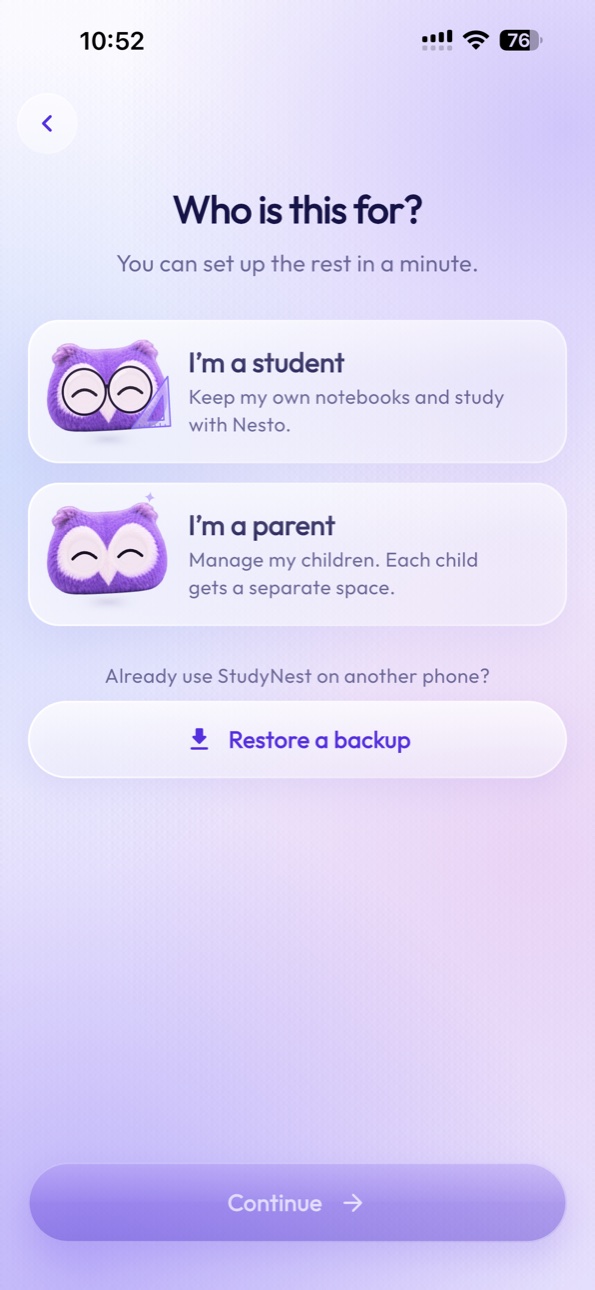
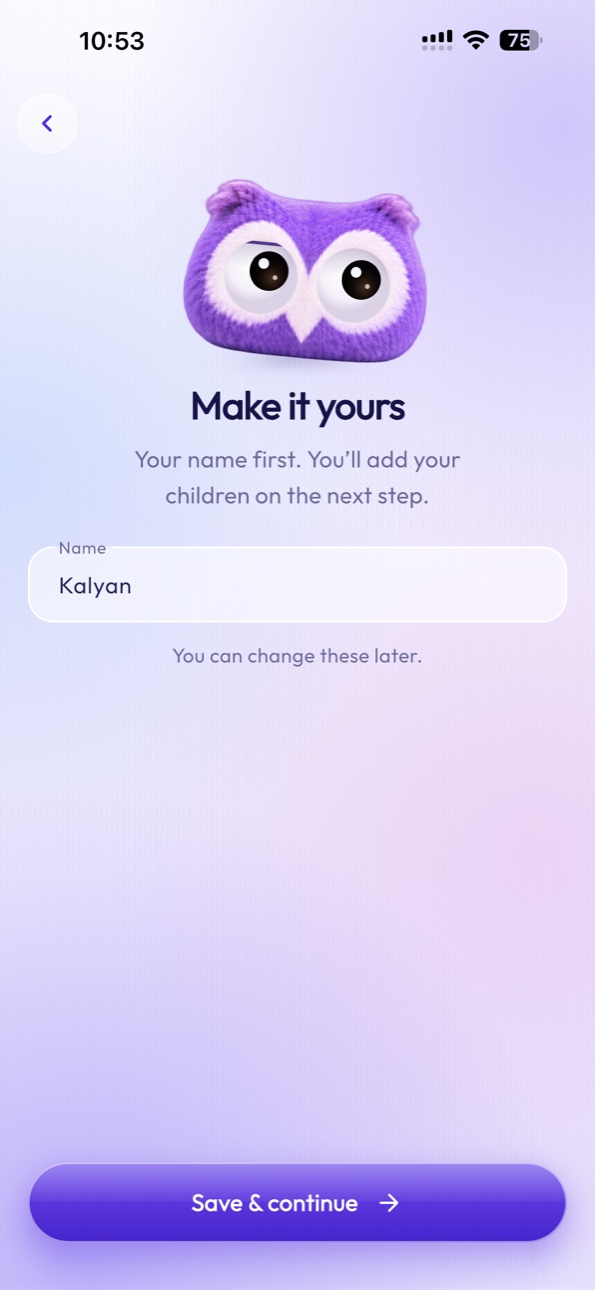
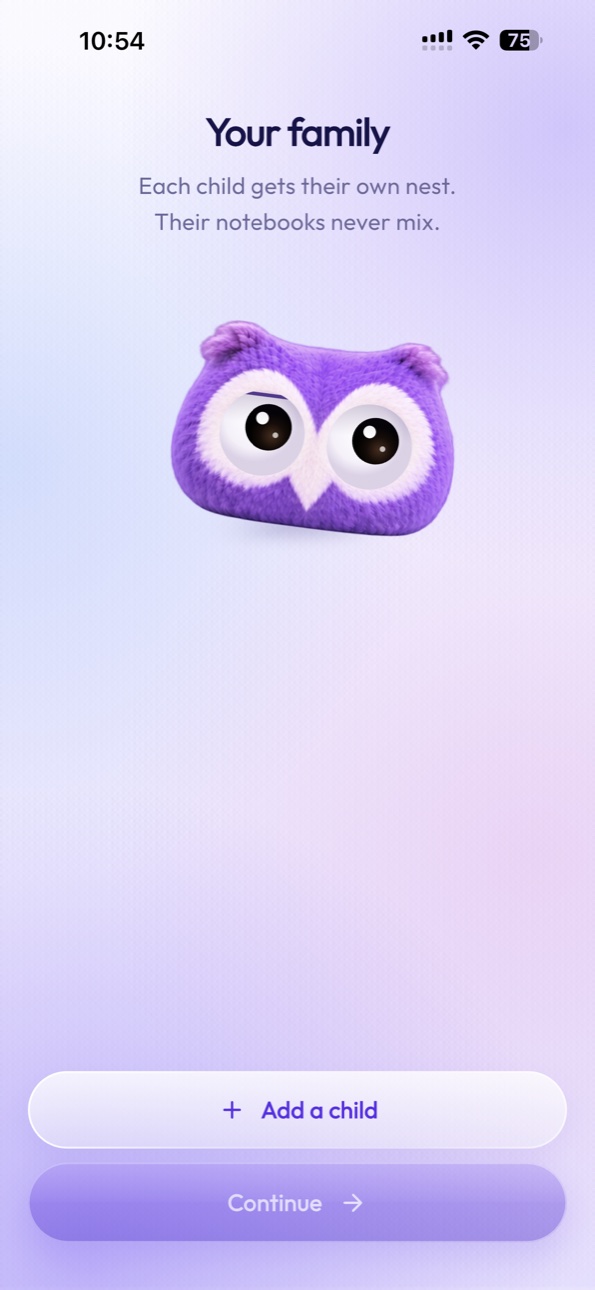
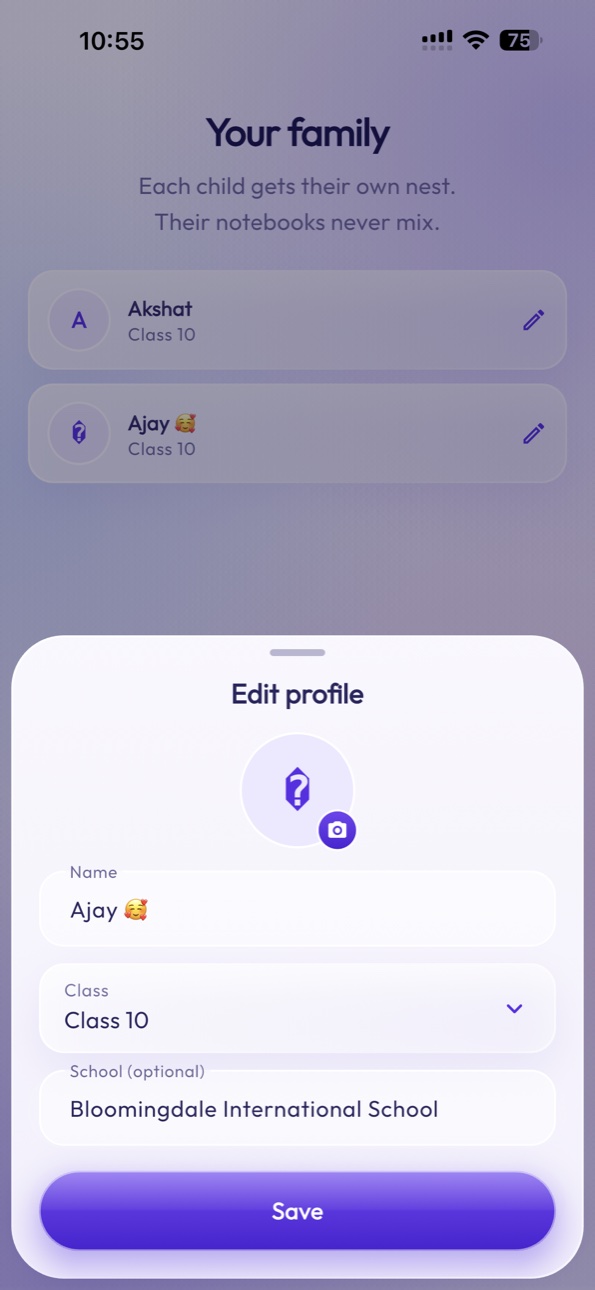
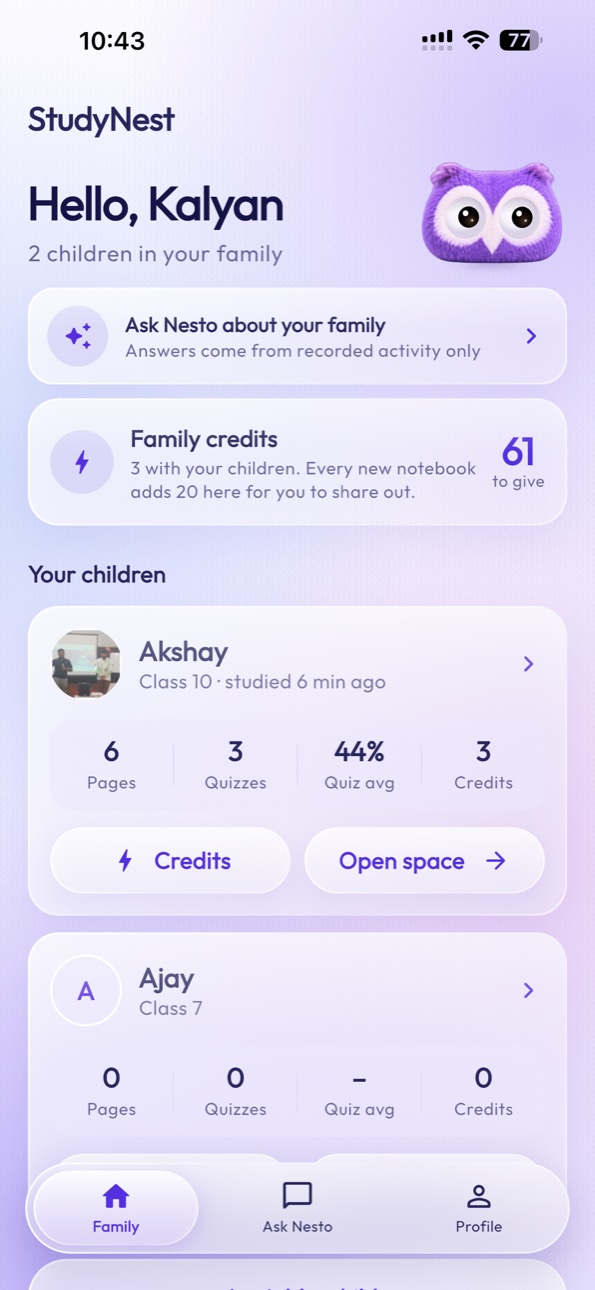
StudyNest helps parents manage multiple children’s digital notebooks and learning activity from one family account. Each child has an independent learning environment.
Family
Example familyAarav’s notebooks
Mathematics128 pagesScience96 pagesRecorded activity
Add and manage individual child profiles.
Each child has independent subjects, notebooks, chapters, and AI history.
Review recorded study and revision activity.
Understand recorded learning trends, answered only from recorded activity.
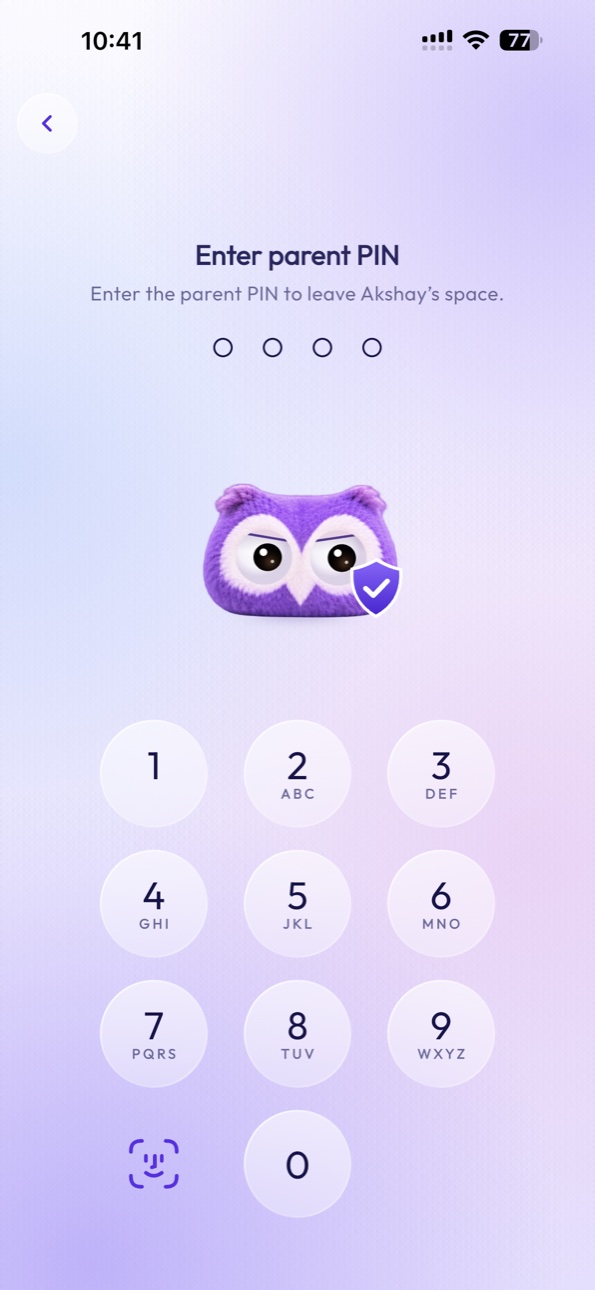
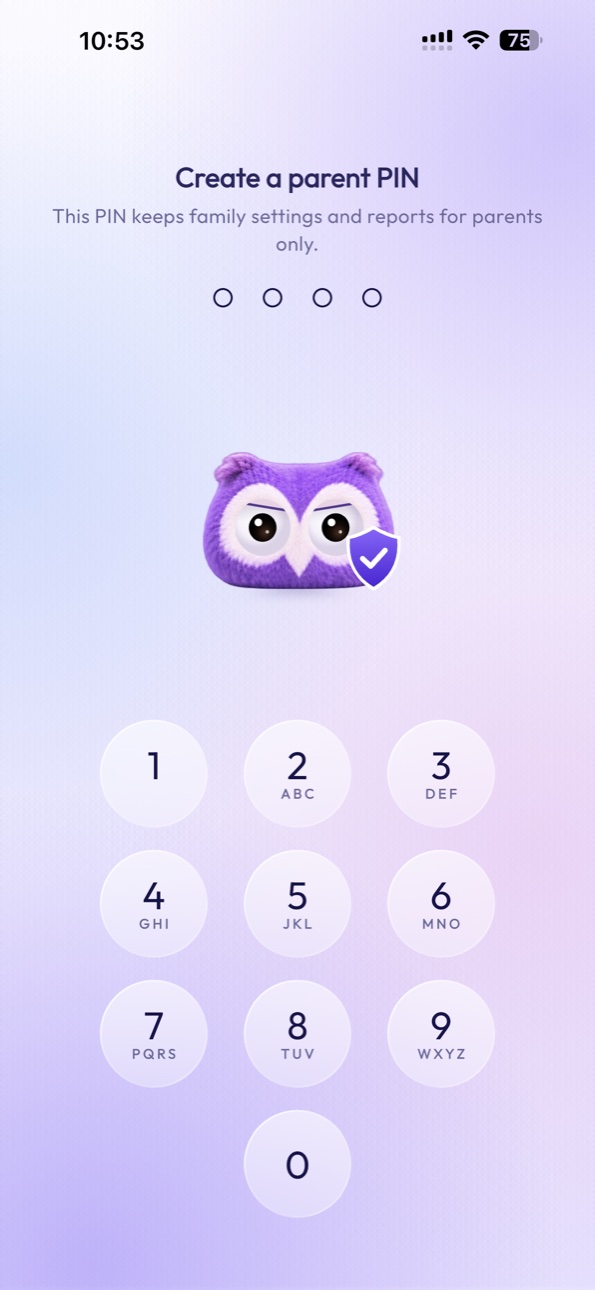
A parent PIN protects the family area and is needed to leave a child’s space.
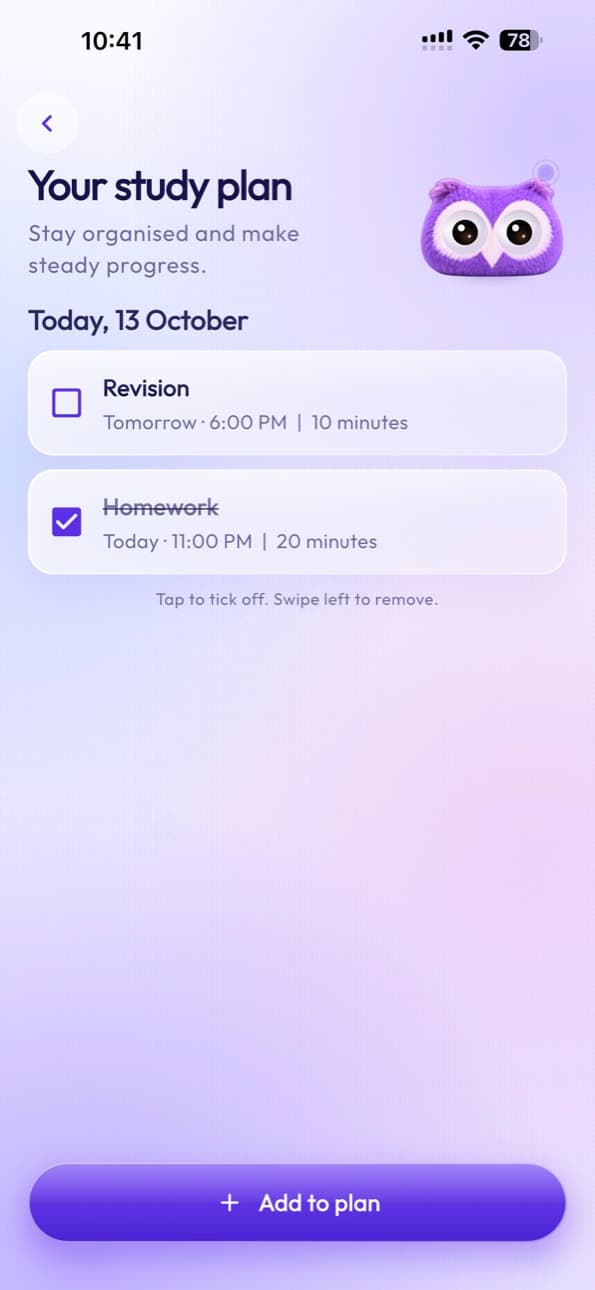
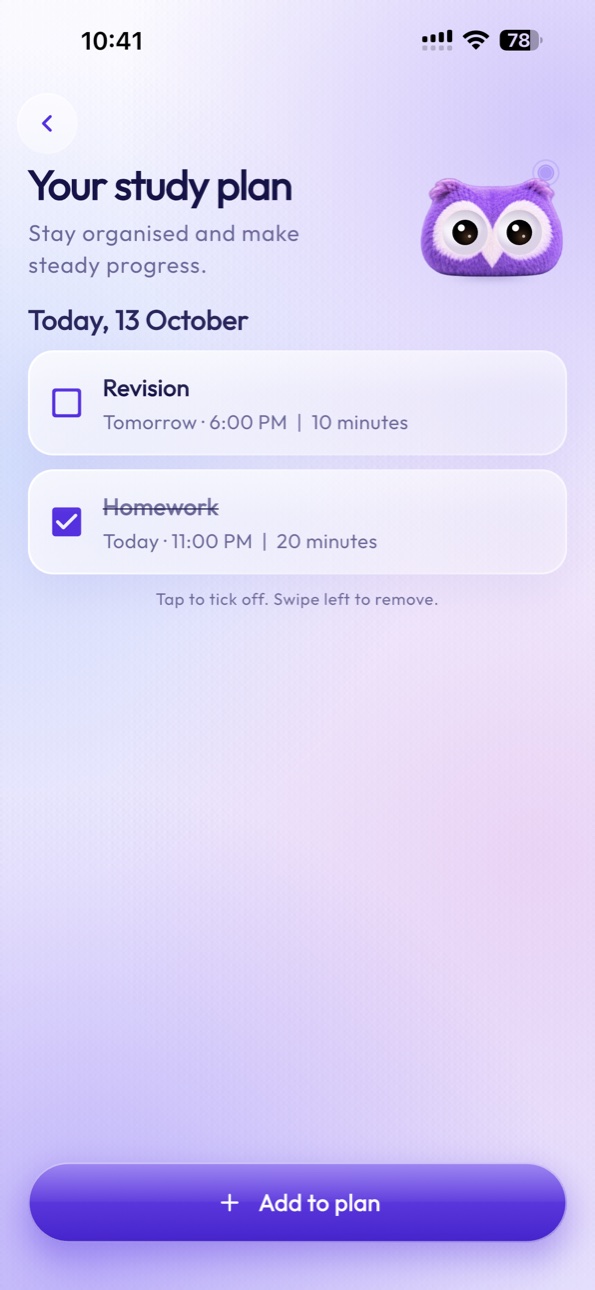
Manage homework and deadlines.
Turn handwritten study material into organized revision resources.
Exploring school partnerships
StudyNest is designed around real classroom habits. Students continue writing in physical notebooks while digital tools support organization, learning, and authorized collaboration.
StudyNest works today for students and families. Tools for teachers and schools are still being planned, and we would like to shape them with schools. Here is what we are working towards:
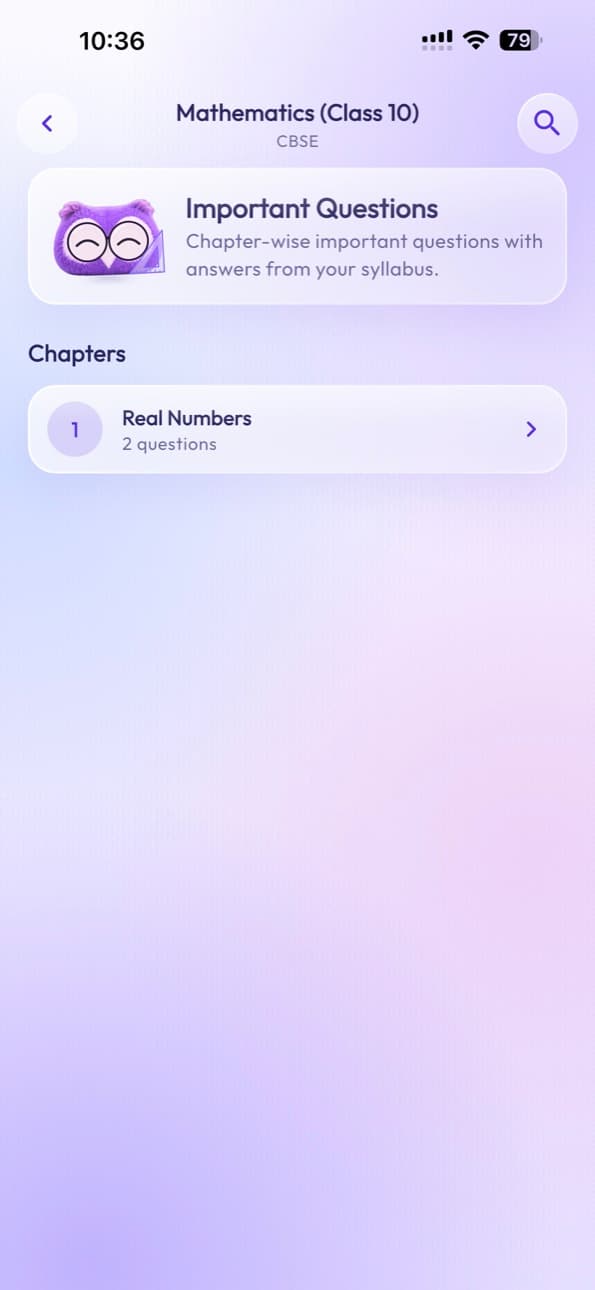
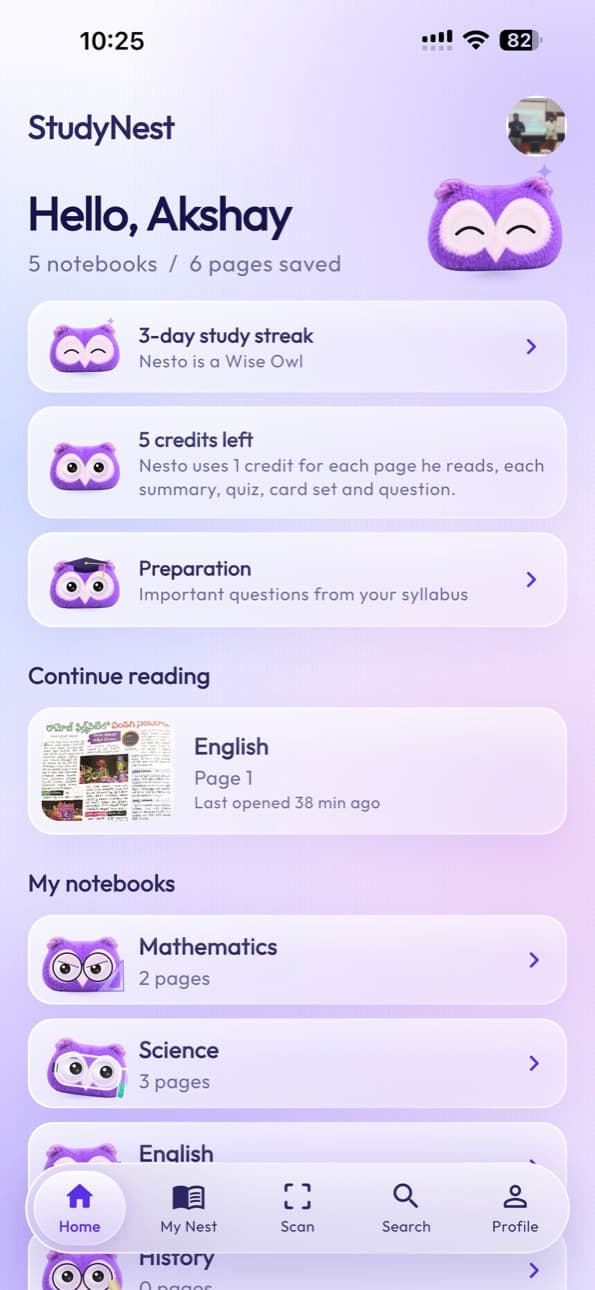
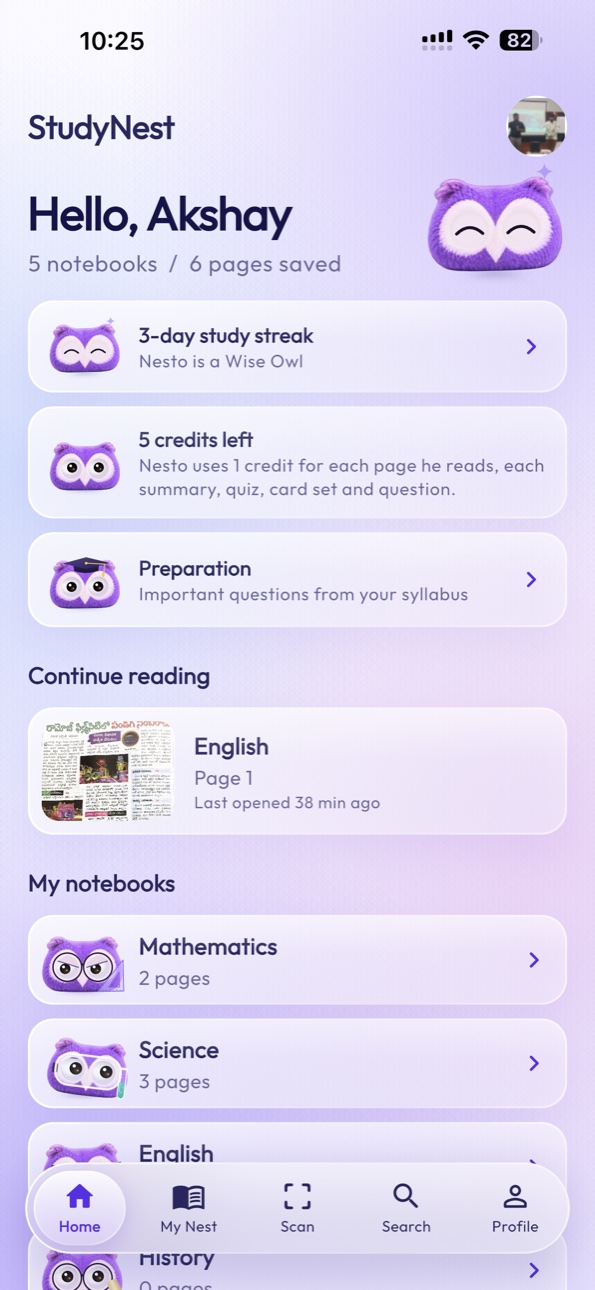
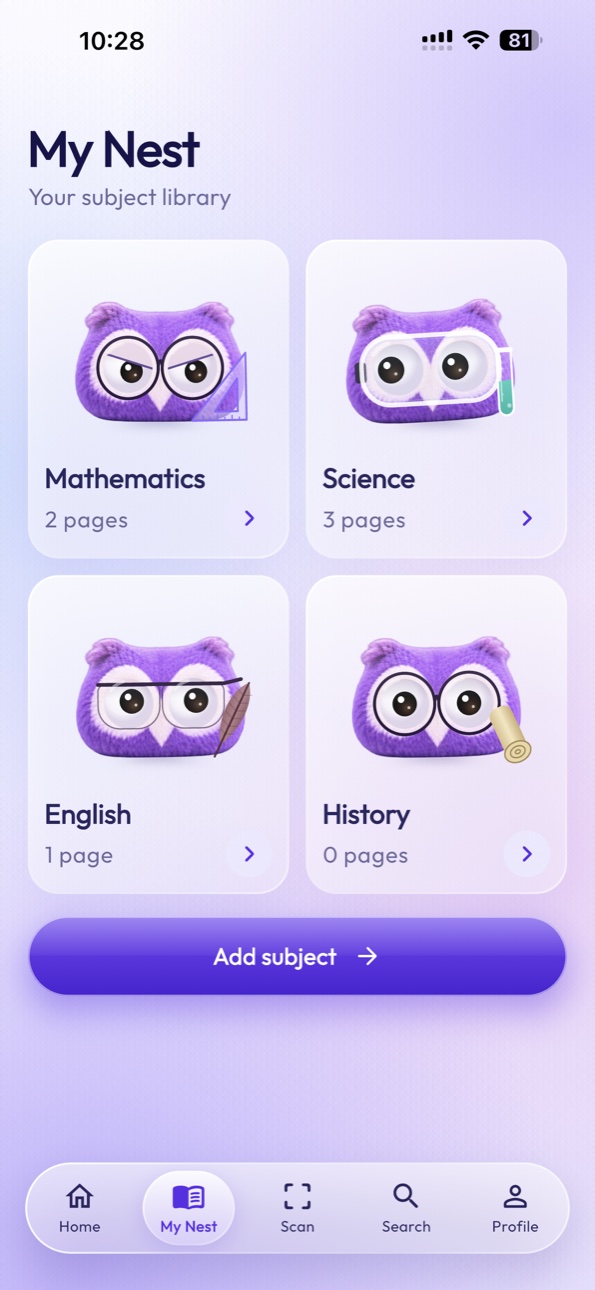
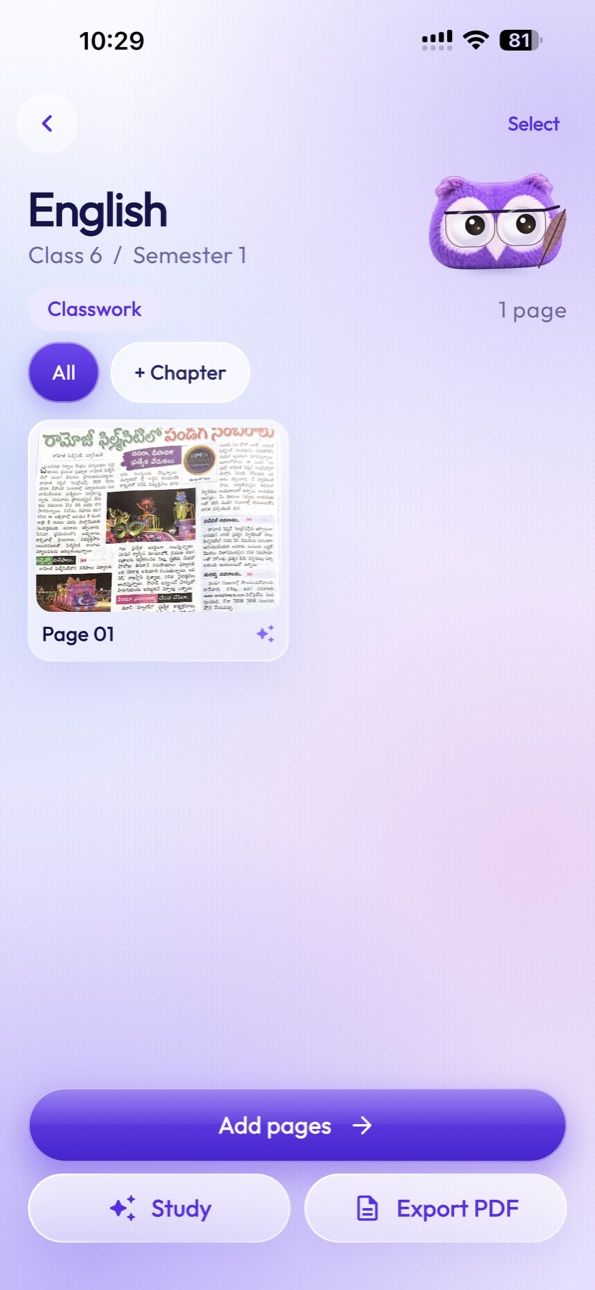
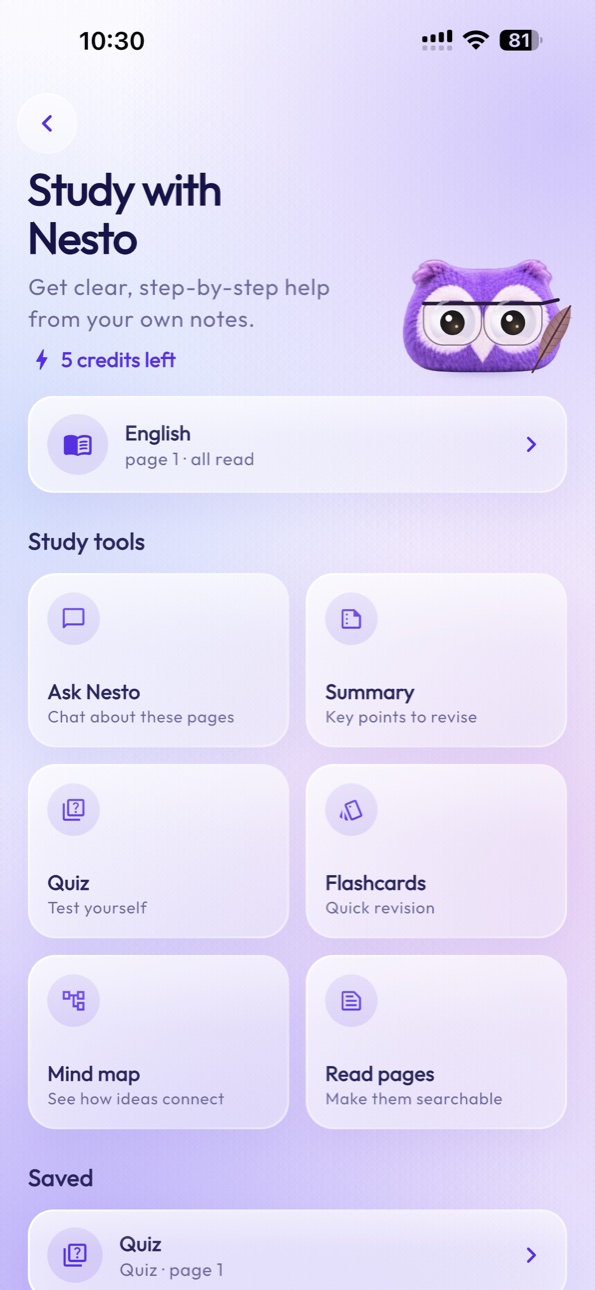
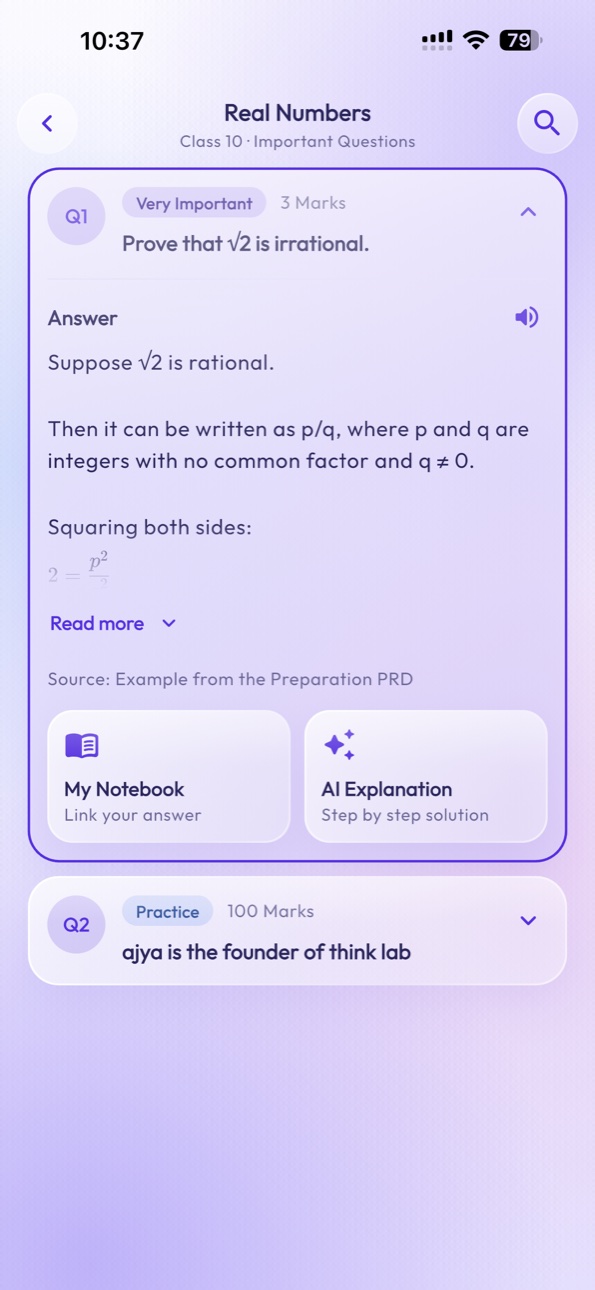
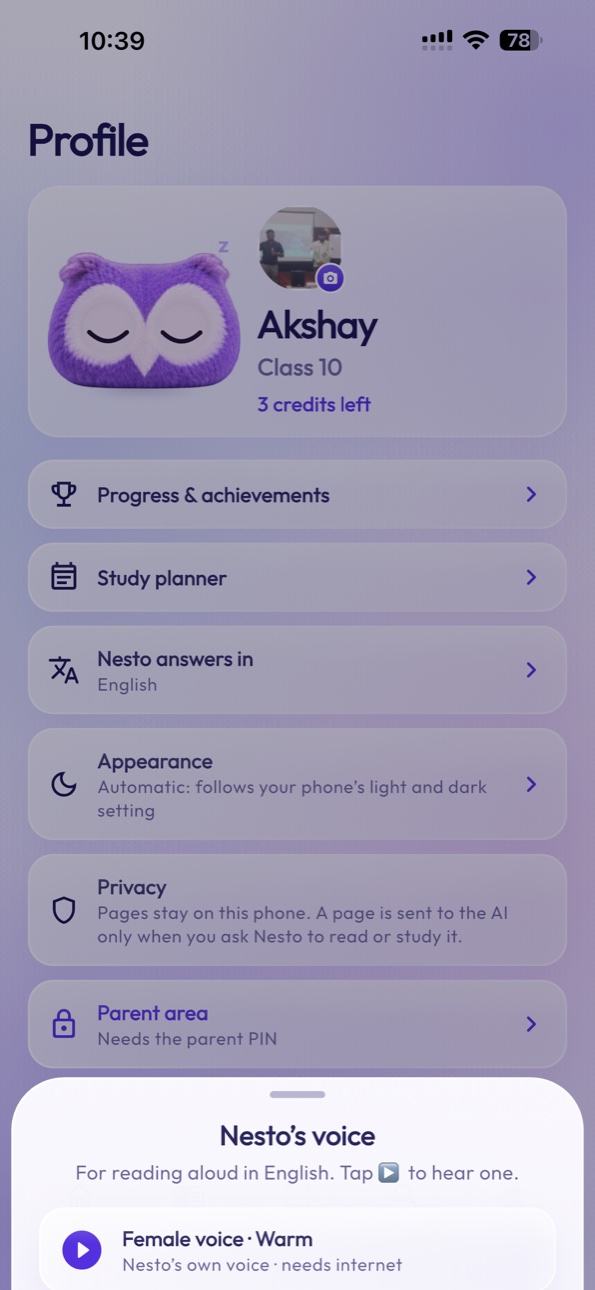
Explore the StudyNest mobile experience.

Screens captured from an iPhone 15 Pro Max with the current build.
| Traditional Notebook | StudyNest |
|---|---|
| Physical writing | Physical writing |
| Notes remain on paper | Notes can be digitized |
| Manual organization | Digital notebook organization |
| Difficult to search | Searchable digital content |
| Manual revision preparation | AI-assisted revision |
| Limited digital backup | Digital preservation |
| Separate learning resources | Connected learning tools |
StudyNest is designed to protect personal learning materials and support responsible access to children’s educational information.
Scanned pages are stored on your phone. A page is sent for AI processing only when you ask Nesto to read or study it.
The parent area is locked behind a parent PIN. Leaving a child’s space needs that PIN too.
Every child’s notebooks, AI conversations and results are stored separately and never mix.
Nothing is shared unless you export a notebook as a PDF and choose where to send it.
Nesto answers from the pages you select and shows which page it used.
You can make a backup file to move to a new phone, or delete all StudyNest data from the app.
StudyNest connects physical notebooks to a digital learning application with AI-powered study tools.
No. StudyNest is an app for studying. You keep writing in the notebooks you already use, and StudyNest works with them.
No. StudyNest is designed to work with traditional handwritten notebooks.
Each StudyNest notebook can be linked through its unique QR code. A code links to one notebook, once.
Yes. StudyNest supports scanning and digitally saving notebook pages, several at a time.
StudyNest’s AI processing can interpret supported handwritten content, although accuracy depends on handwriting quality, image clarity, language, and content complexity.
Yes. One parent can add several children, and each child gets an independent space for their notebooks and study history.
The app is built for both Android and iPhone and is not in the app stores yet. Join early access and we’ll tell you when it is.
Plan details will be announced closer to launch.
We are exploring school partnerships. Schools can send an enquiry using the form on this page.
A page is sent to Google Gemini only when you ask Nesto to read, study, summarise or answer questions about it. Scanning a page does not send it anywhere.
Nesto can answer in English, Hindi, Telugu, Tamil, Kannada, Malayalam, Marathi, Bengali, Gujarati, Punjabi, Odia and Urdu. Notebooks can be set up for Mathematics, Science, English, History, Social Studies, Hindi and Computer Science.
Scanned pages are stored on your phone, the parent area is protected by a PIN, and each child’s data is kept separate. Our full Privacy Policy will be published before launch.
The app is built for iPhone and Android and is not in the app stores yet. Leave your email and we’ll tell you the day you can download it.
Keep the joy of writing on paper. Discover what your notes can become with StudyNest.